Updates to apps, instances, and versions are now being tracked and displayed in Console.
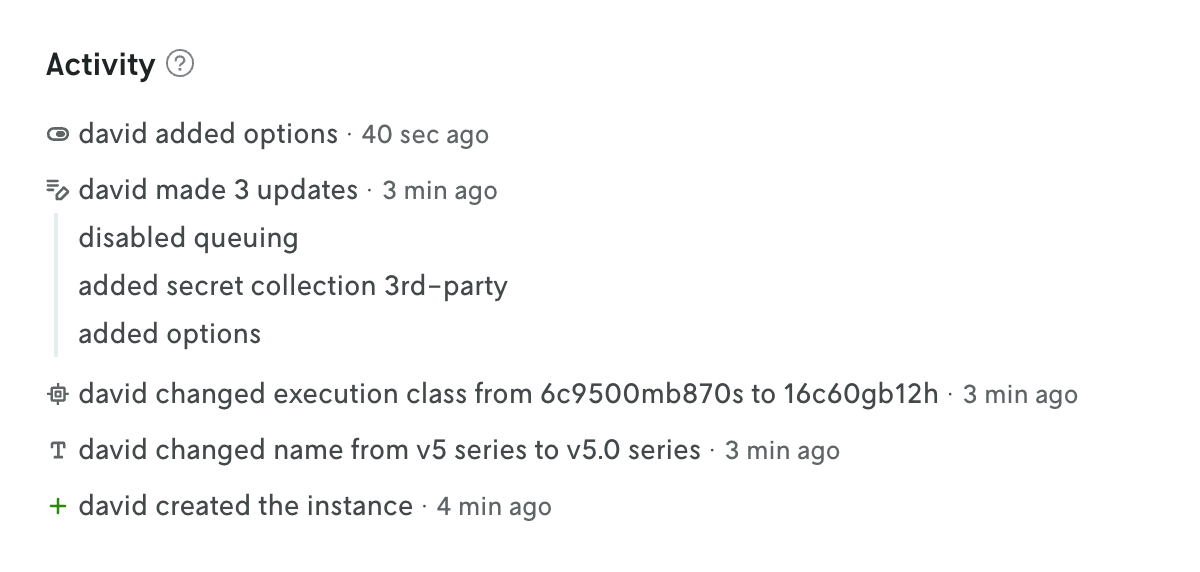
The changelog is displayed on the entity’s details view at the bottom of the page. The tracked changes include the user who made the change, what was changed, and a timestamp of when the change occured. In many cases the value of what changed is displayed as well.
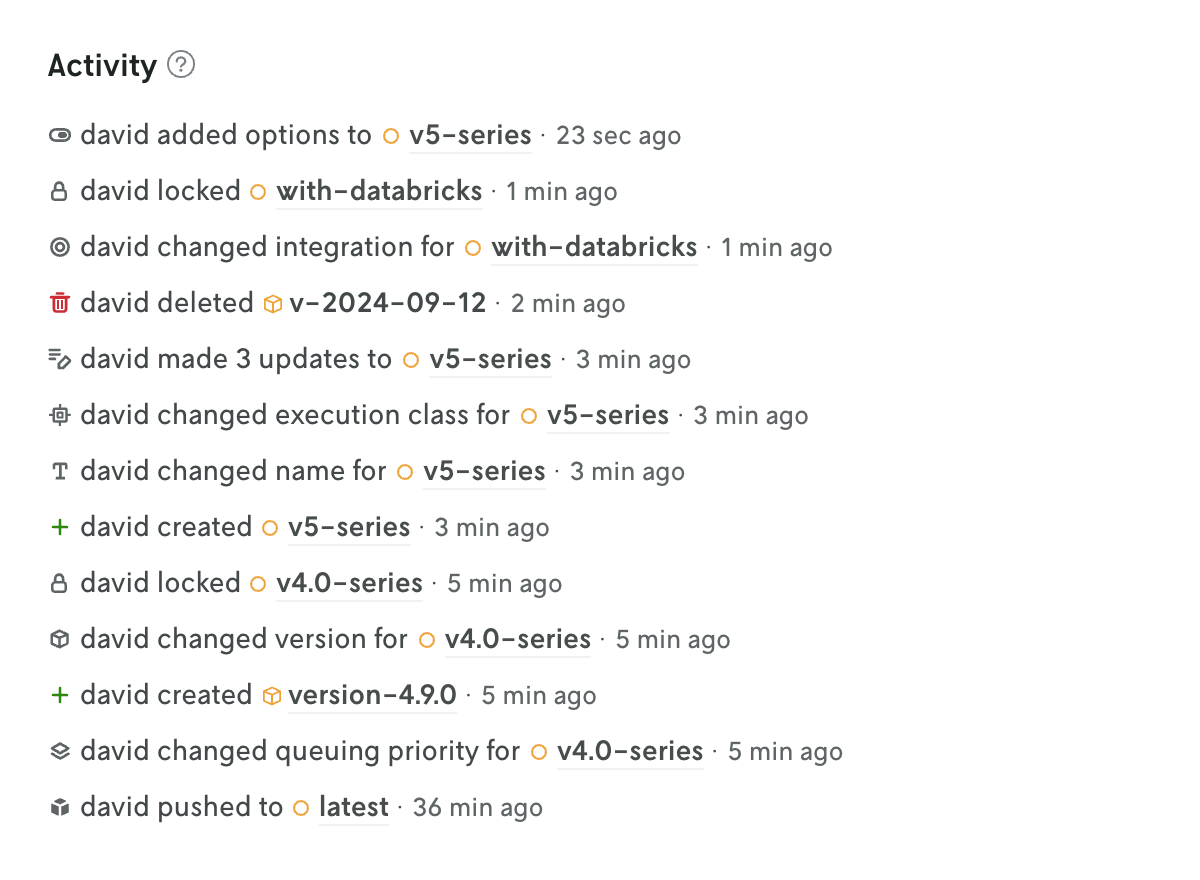
At the app level, the changes for all the different entities are collected and displayed on the App Overview page (including changes to the app iself, like when a default instance is set for the app). This is a great way to see the overall activity for an app without having to click into different views. You can also click on individual entries in this app activity view to see the full changelog entry on the entity’s details view.
Read more about what data is tracked and when tracking began on the Changlog docs page.