The create run view has been reorganized into a tabbed view interface to better reflect the flow for creating a run and make space for new features in the future.
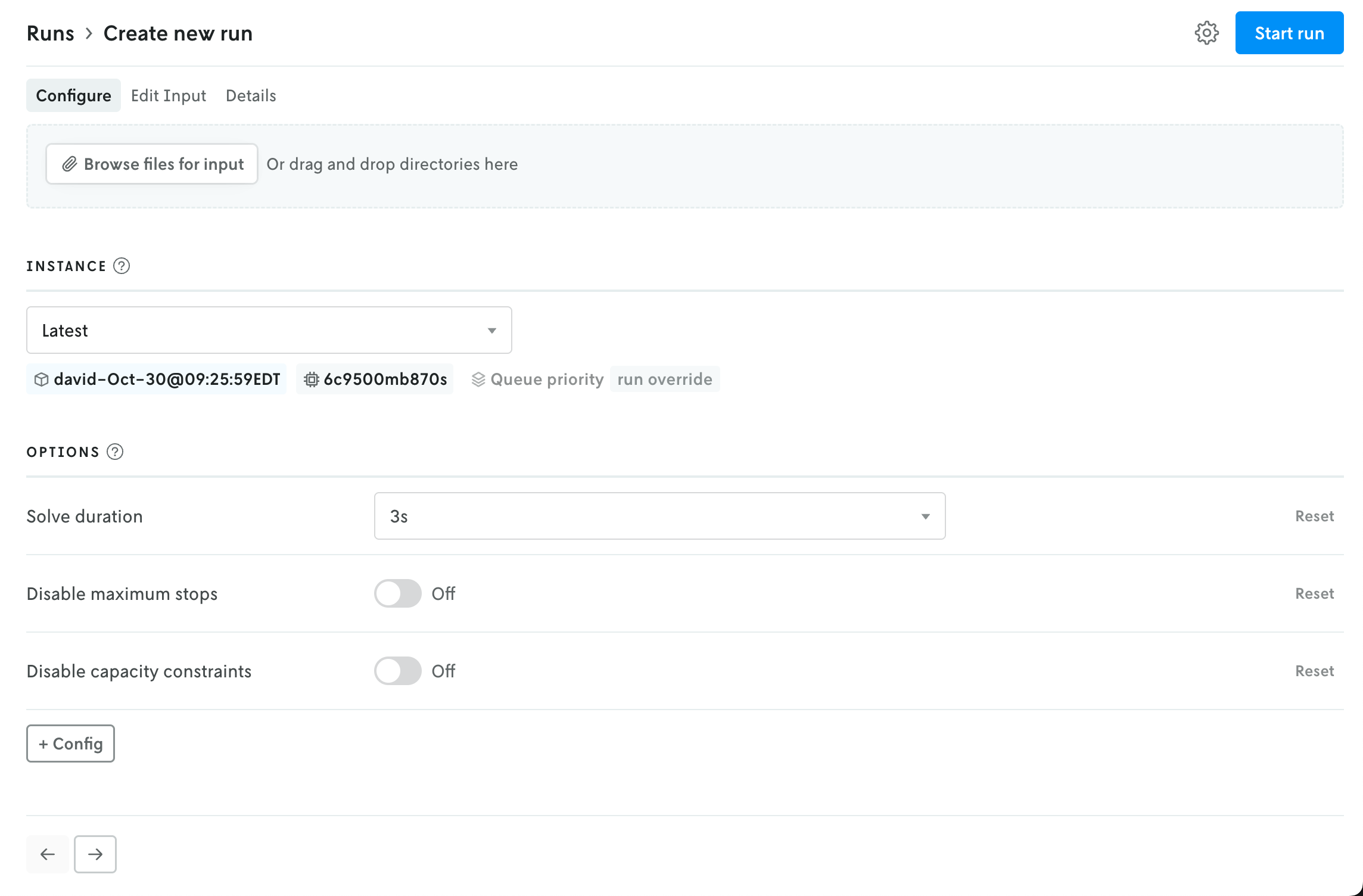
The initial view provides an uploader for the run input and an interface for selecting an instance (note that if your role is Operator then the UI for selecting an Instance is moved to the advanced settings menu). Depending on the format type for the app, the uploaded file(s) will be represented with either a file icon or shown in the multi-file viewer.
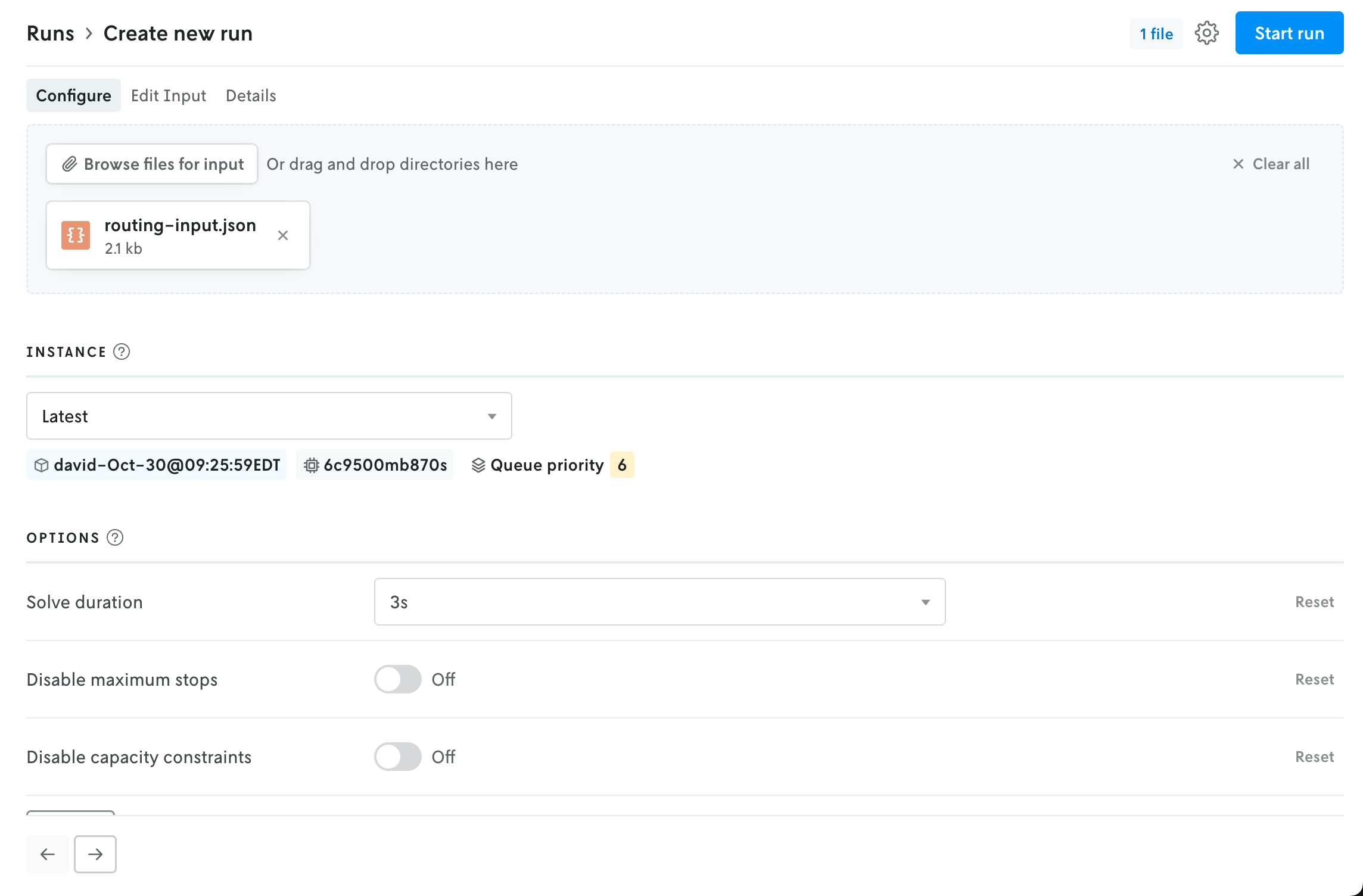 How files appear apps that use JSON format.
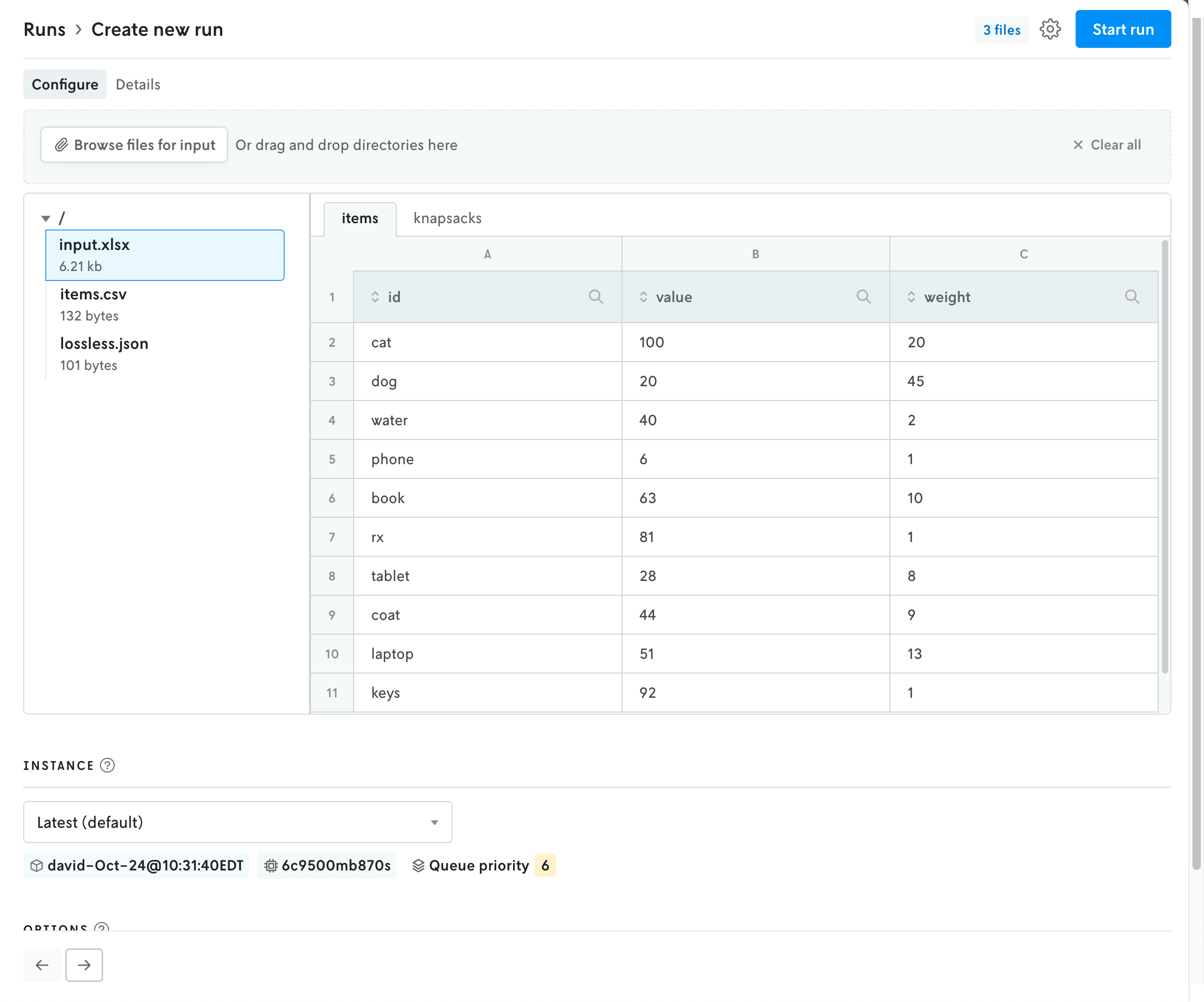 How files appear for apps that use multi-file format.
Updating the instance will refresh the available options for the run in the space below. Note that the Latest instance will be selected by default if no default instance is set for the app.
If the format type is JSON, the contents of the uploaded file — if they are below the render threshold of 10 MB — will be loaded into the JSON editor in the edit input view. You can click on the Edit Input tab to view the contents of the uploaded file. If you would like to edit the contents, and use this edited input for the run rather than the uploaded file, you can toggle the “Use edited input for run” option. (You can toggle this back off as well, and the run will use the original uploaded file for input.)
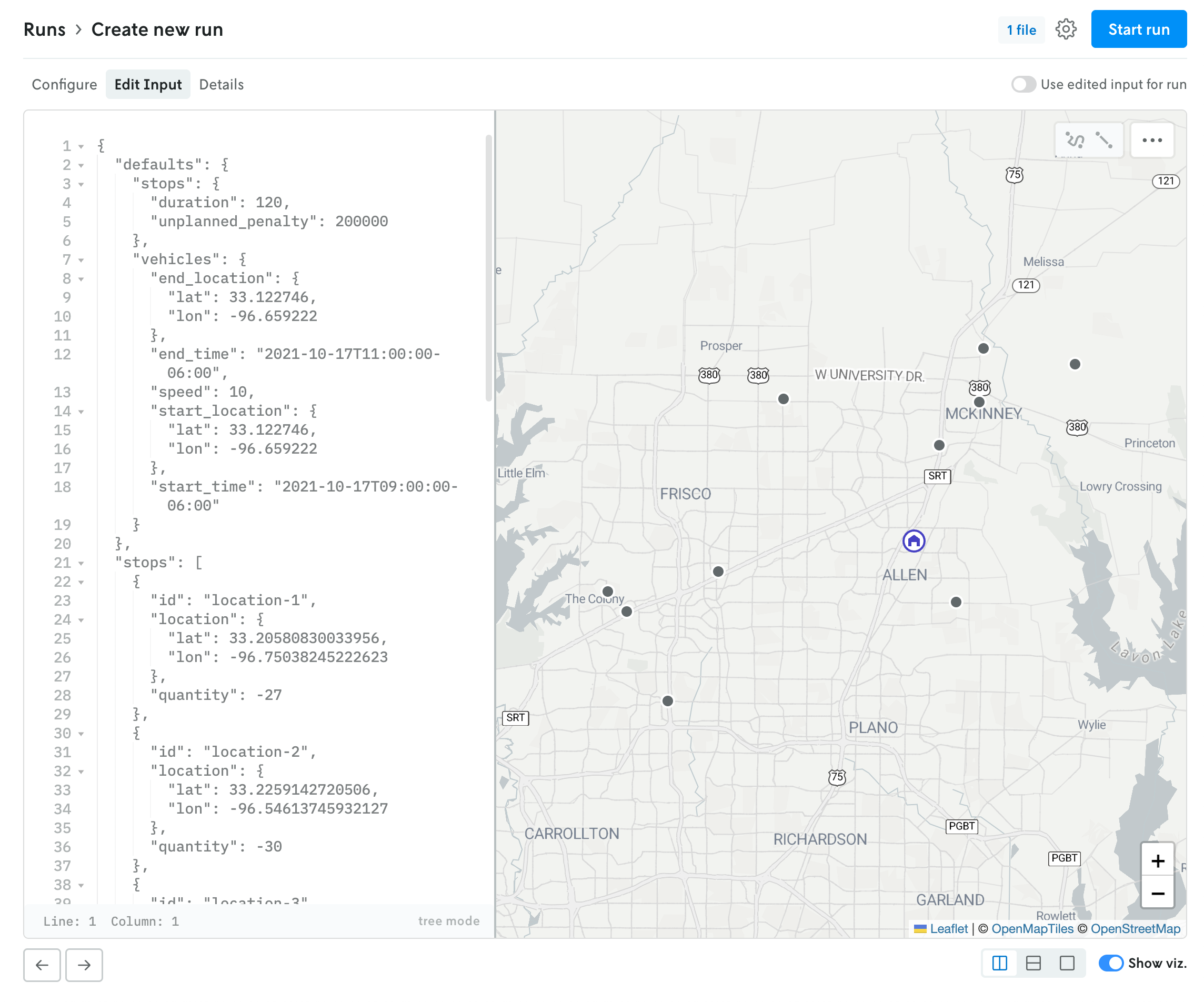 JSON run with use input editor for run toggled off.
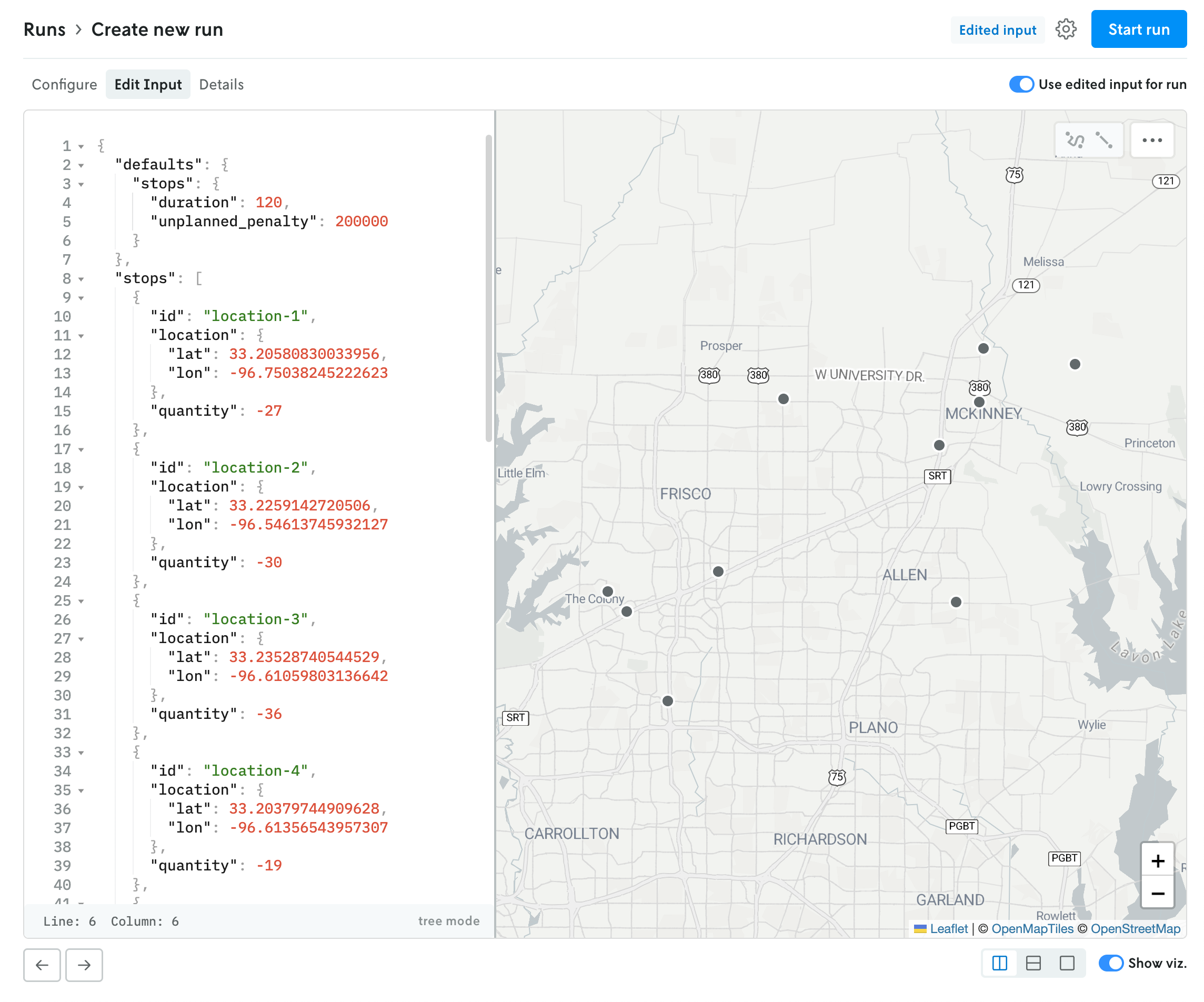 JSON run with use input editor for run toggled on.
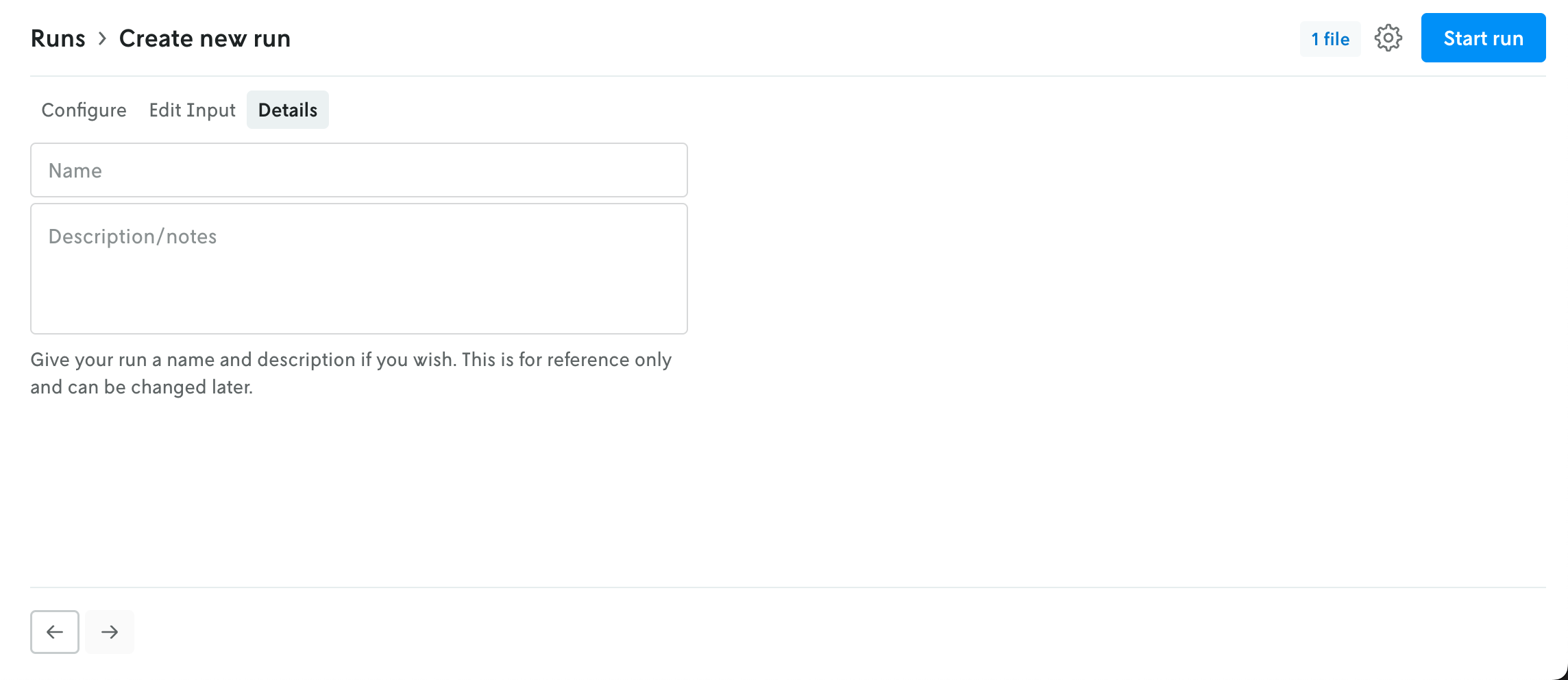
The Details tab allows you to name your run and add a description if you would like. Both of these fields are optional.
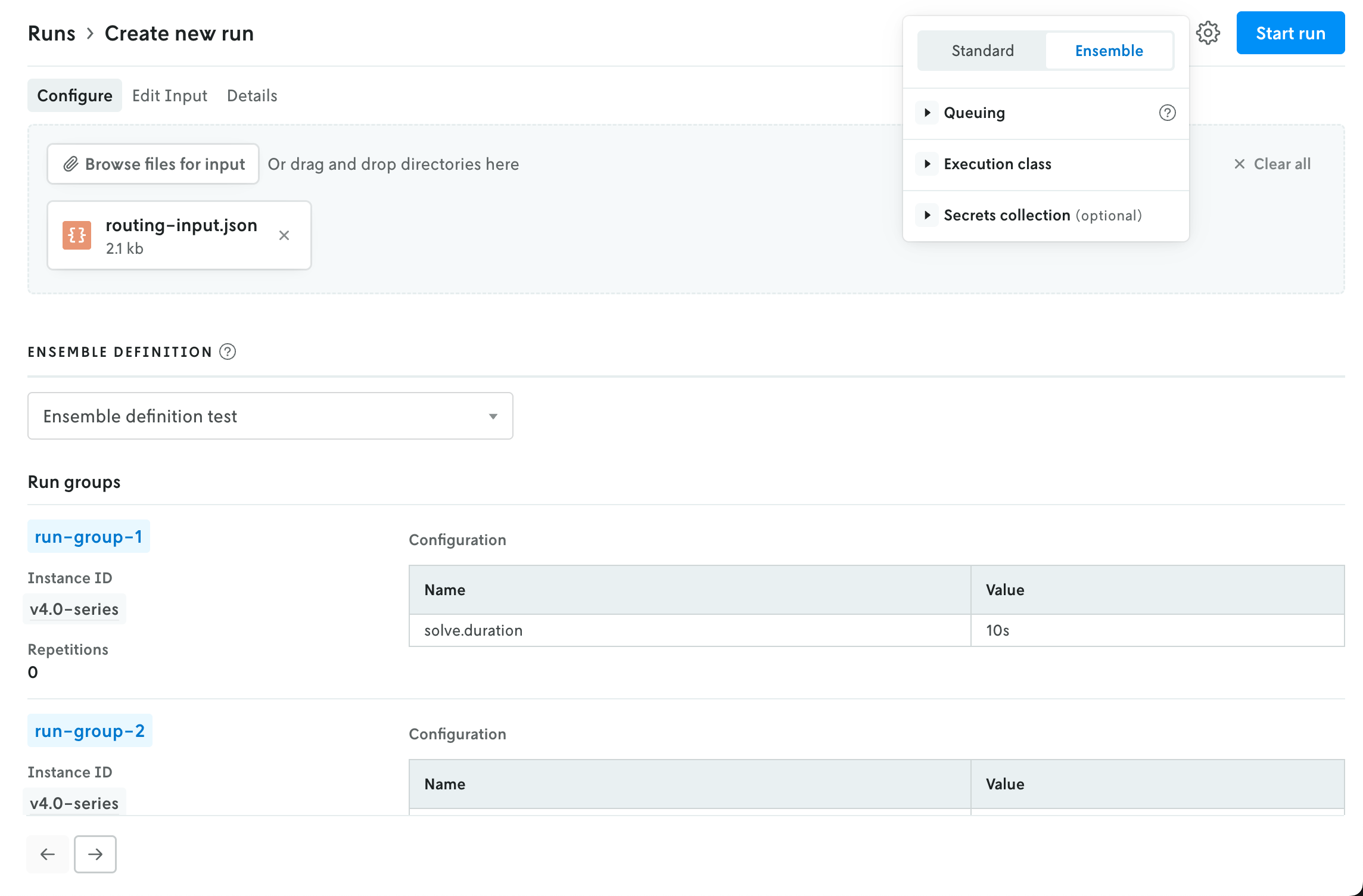
In the upper right, an advanced menu collects the rest of the run settings into a single dropdown. This menu contains the UI for adjusting the run queue settings, selecting a specific execution class for the run, and assigning a secrect collection to the run. Note that any run-level setting will override an instance-level setting (this is reflected in the UI as well).
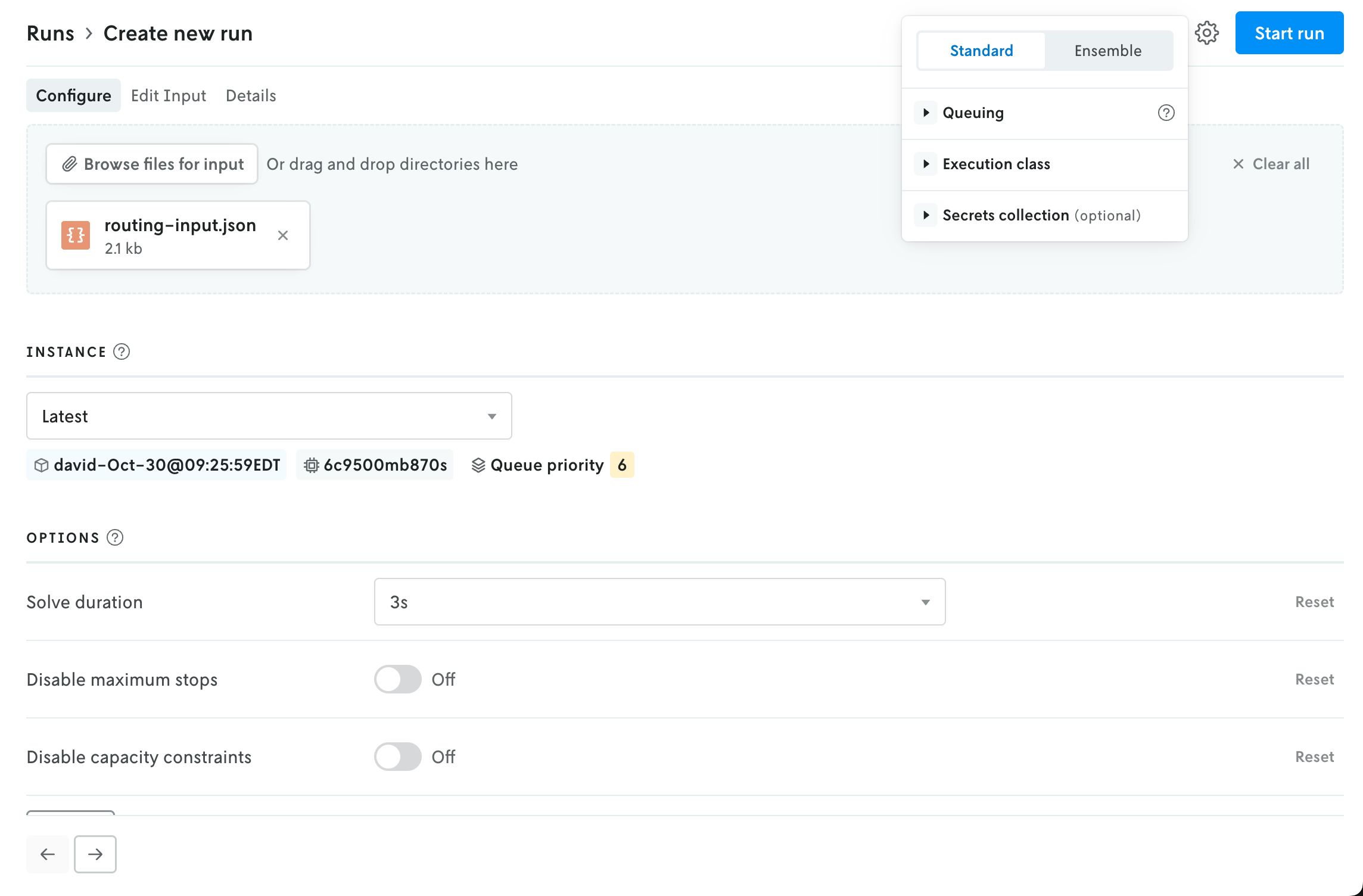
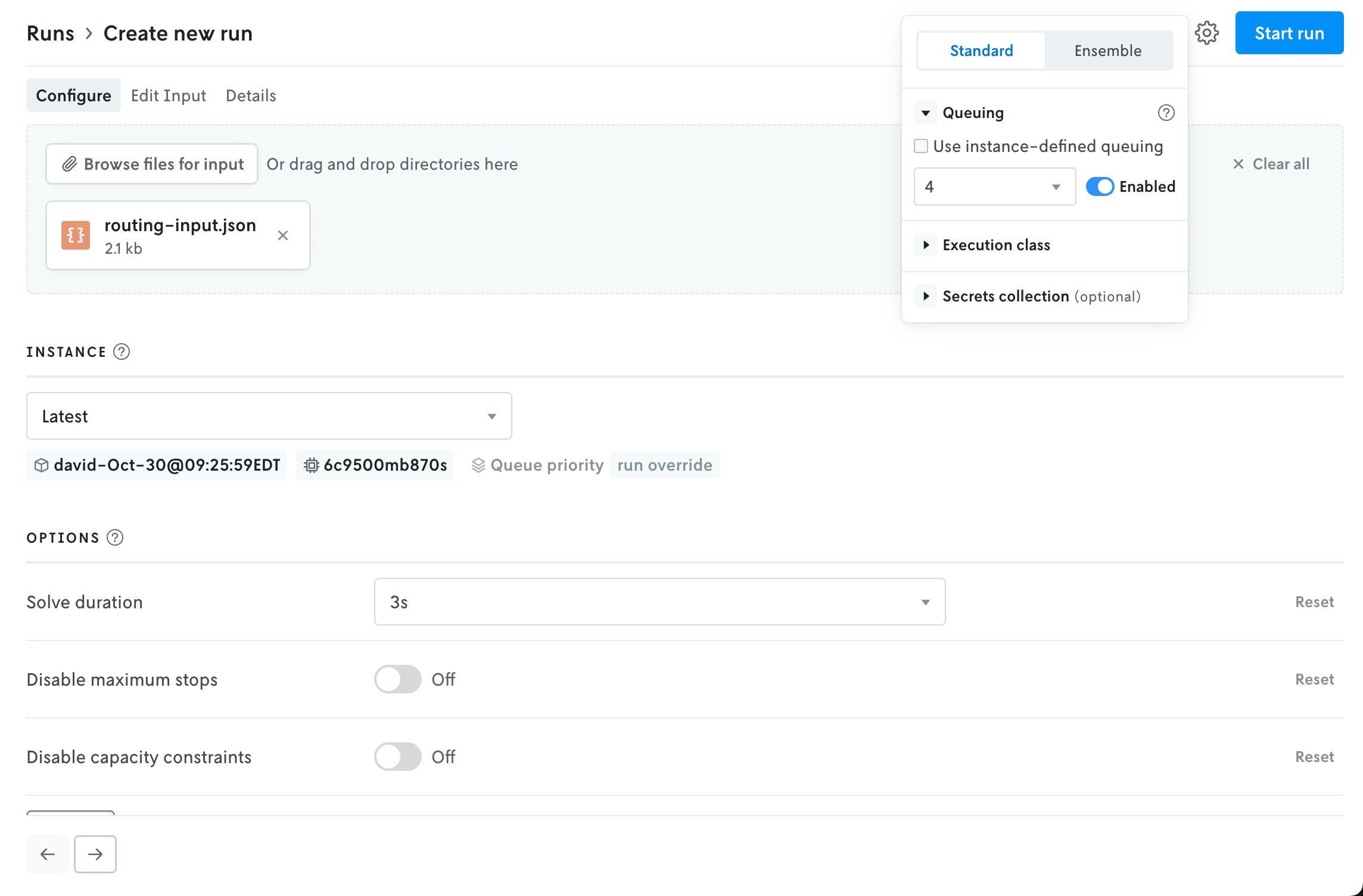
The advanced menu is also where you select the run type. Standard is the default setting; if you select Ensemble then the UI in the main view will be adjusted to show the options for creating an ensemble run (the instance selector is replaced with a dropdown select menu for ensemble definitions).