Subscription app
The Nextmv Routing subscription application provides a
low-code entry point to the Nextmv Platform and is the recommended starting
point when solving a Vehicle Routing Problem (VRP). It is a pre-built app with
out-of-the-box functionality.
Head to the Marketplace in the Nextmv console and click on the
Nextmv Routing app.
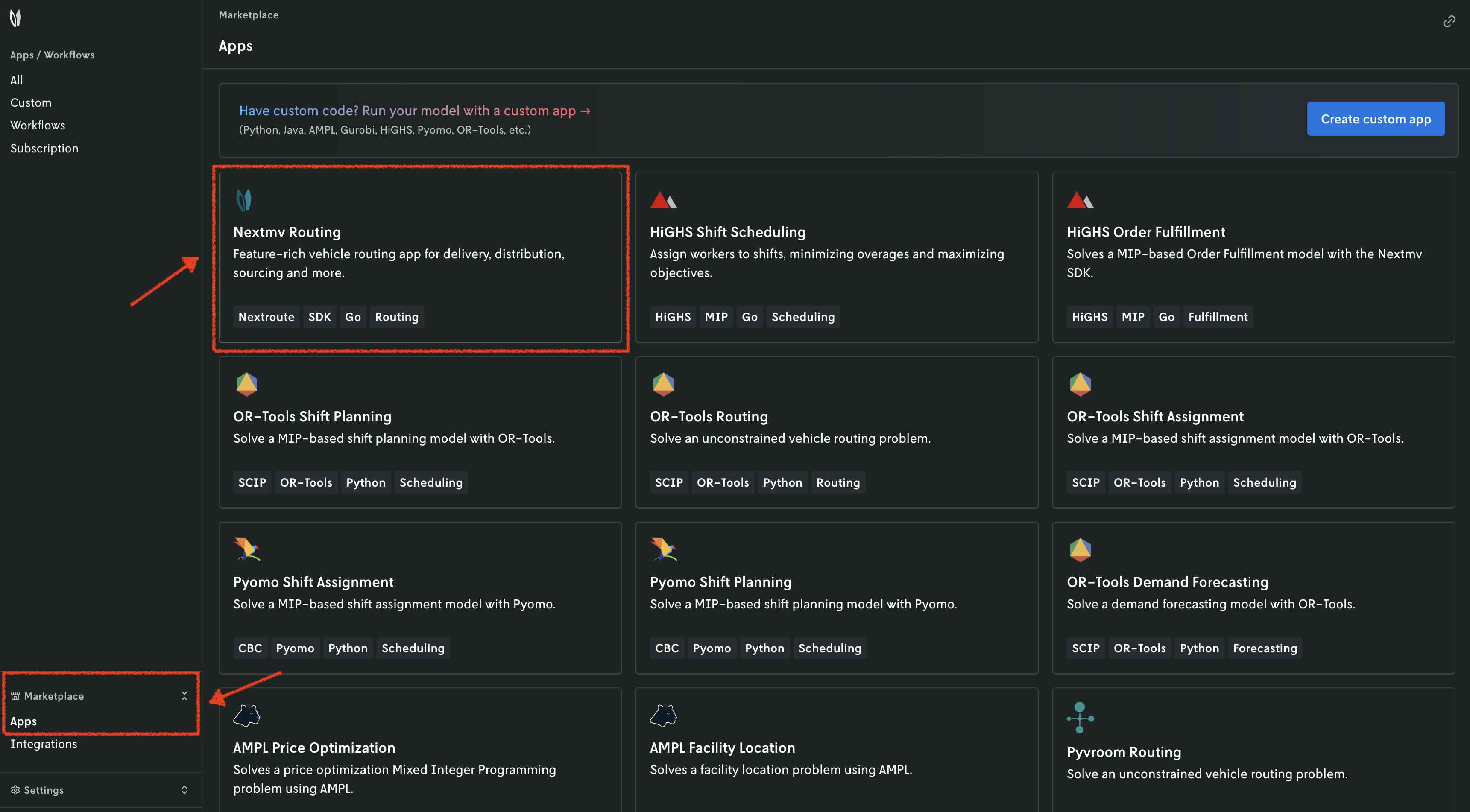
An overview for the Marketplace app will be displayed. Press the button to subscribe to the application. All the features are displayed in the overview.
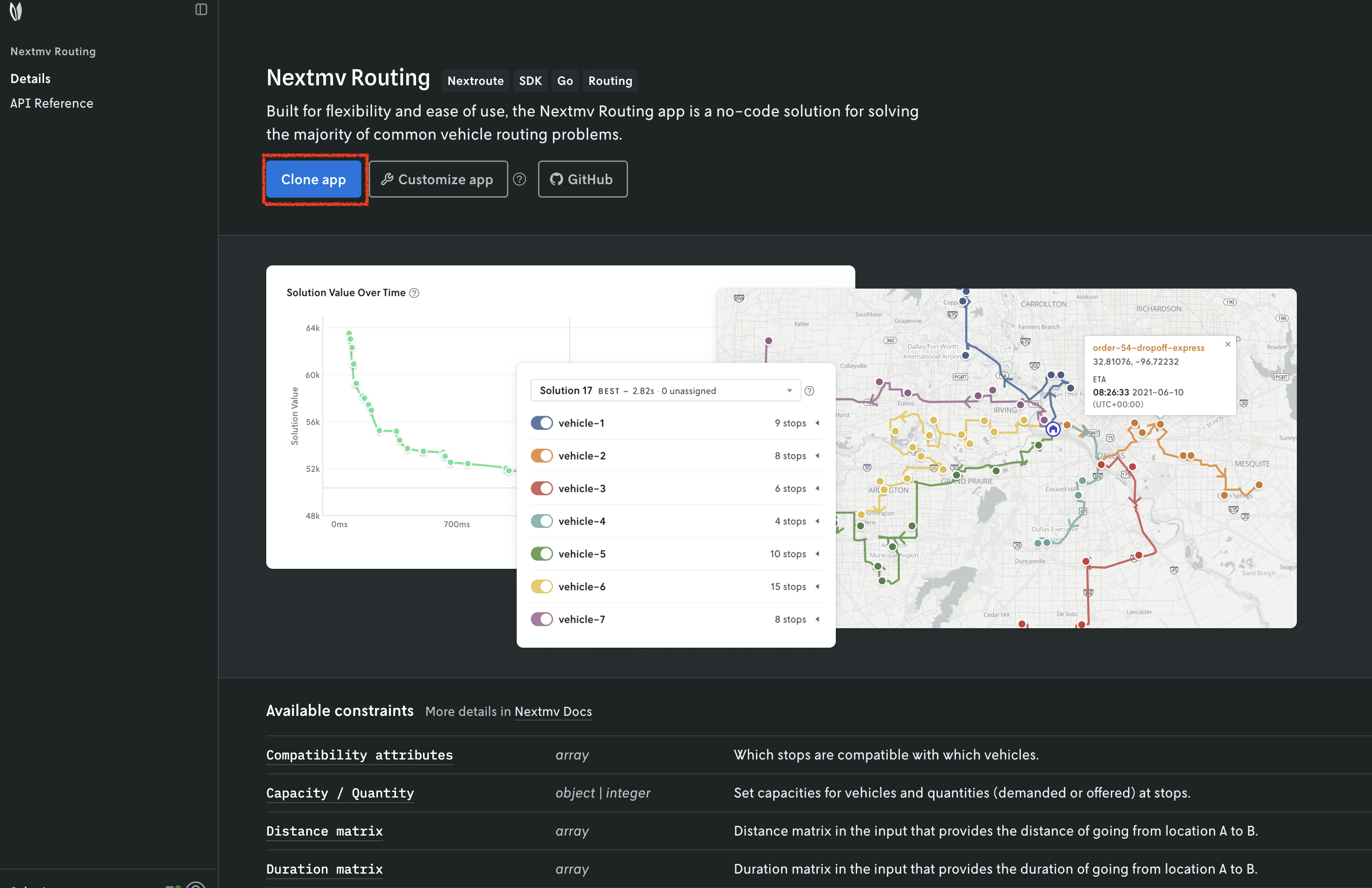
The subscription app works as follows:
- It reads a
jsoninput that follows the input schema. You can use defaults to set default properties for vehicles and stops. - It can be configured with options to customize the solution.
- It produces a
jsonoutput that follows the output schema.
Once you are subscribed to the app, you can use it as any other application. For example, you can perform runs or try experiments and tests.
Here are some steps to get started with the subscription app:
- Press the
New runbutton. - Select the
Inputtab. - In the dropdown, select the
General simplesample input, or any other input you like. - Start the run.
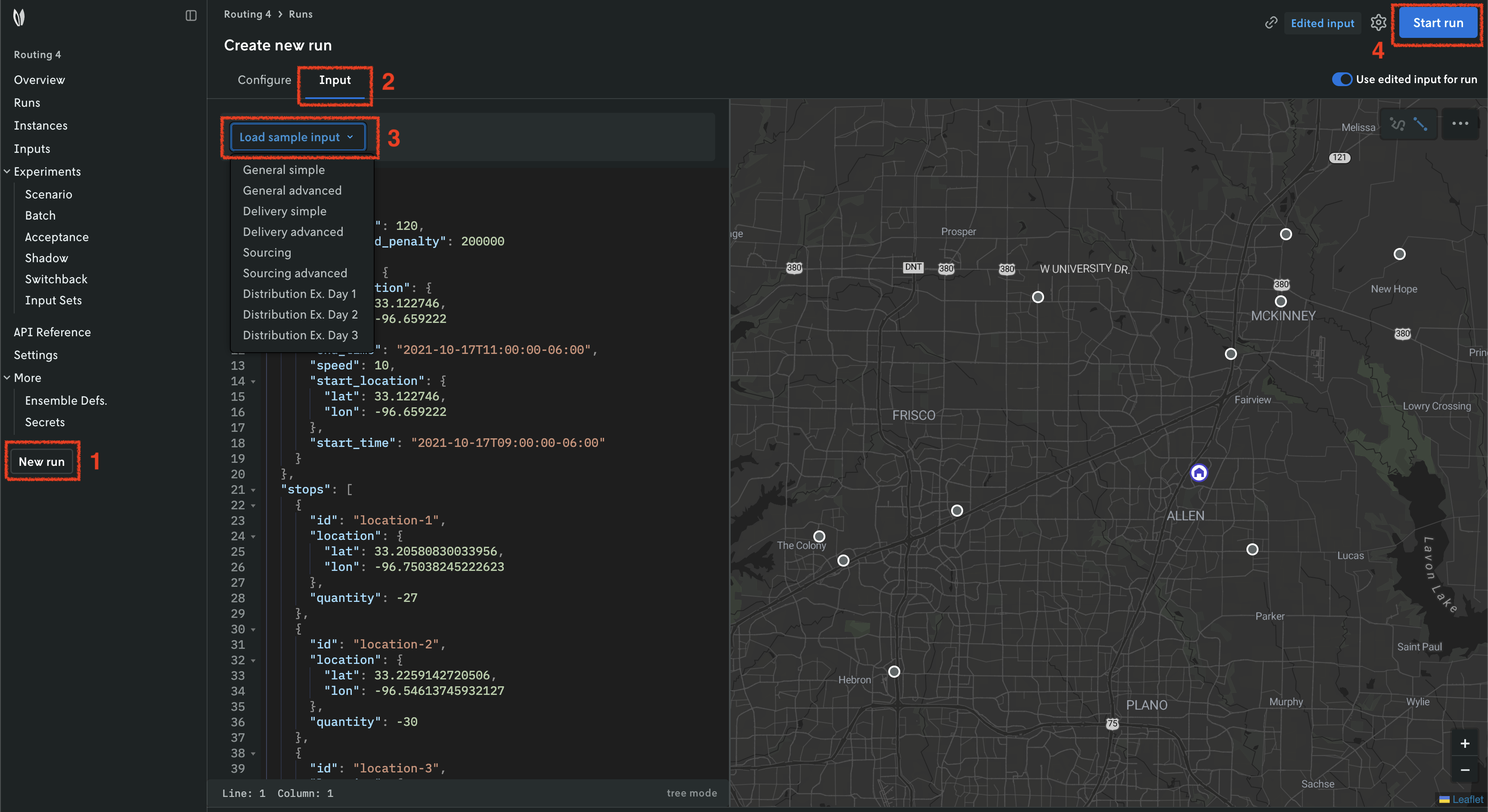
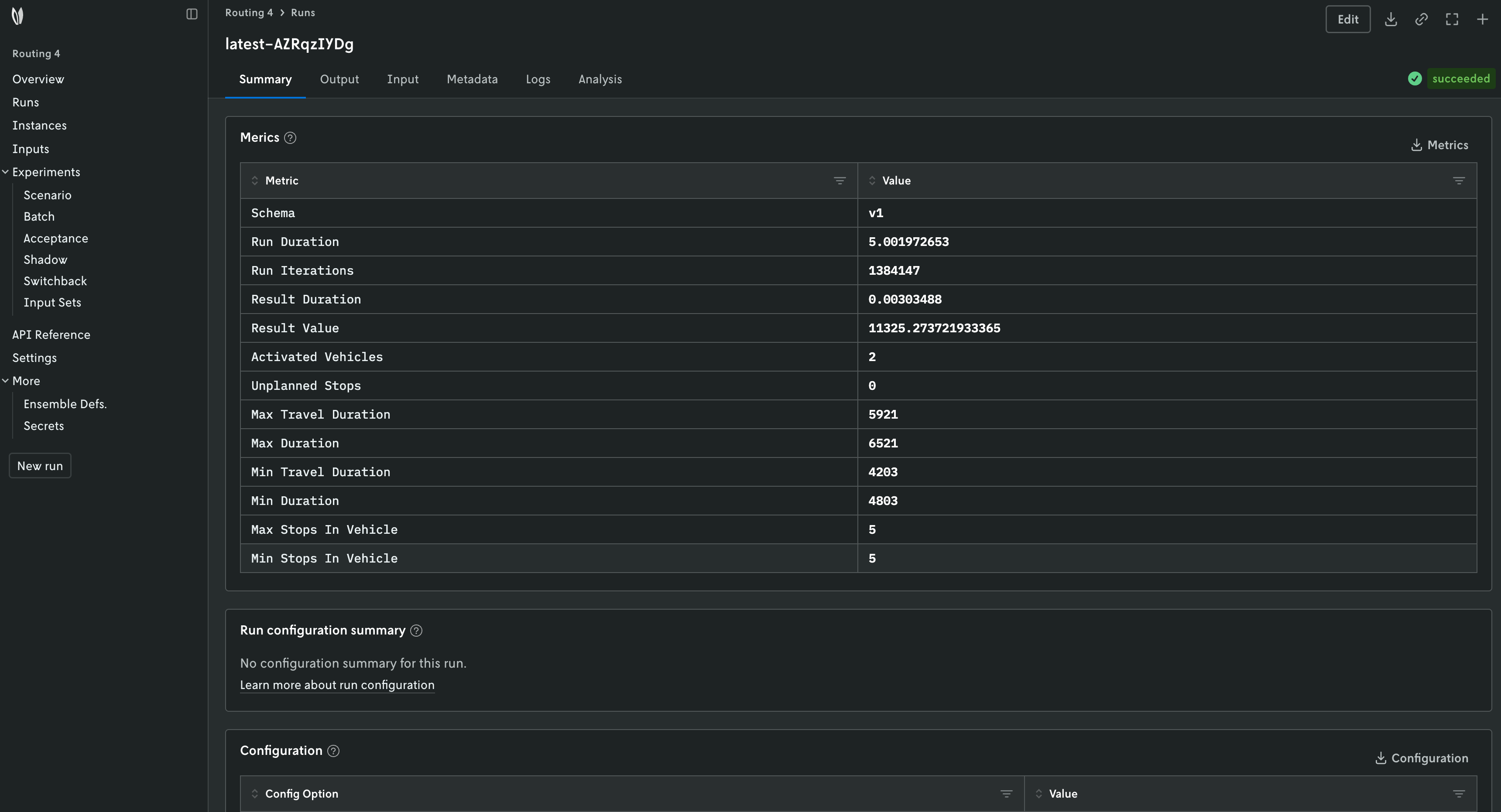
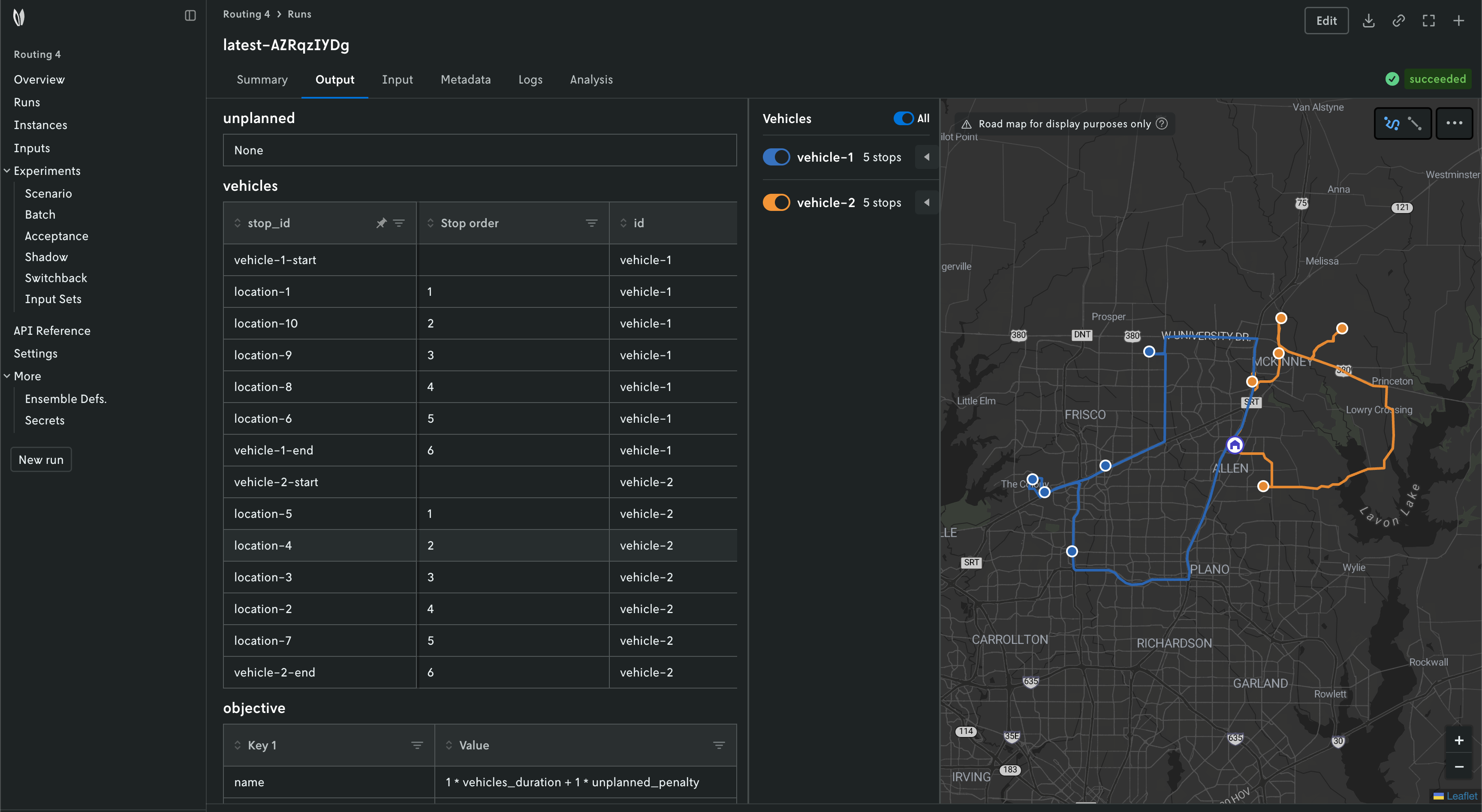
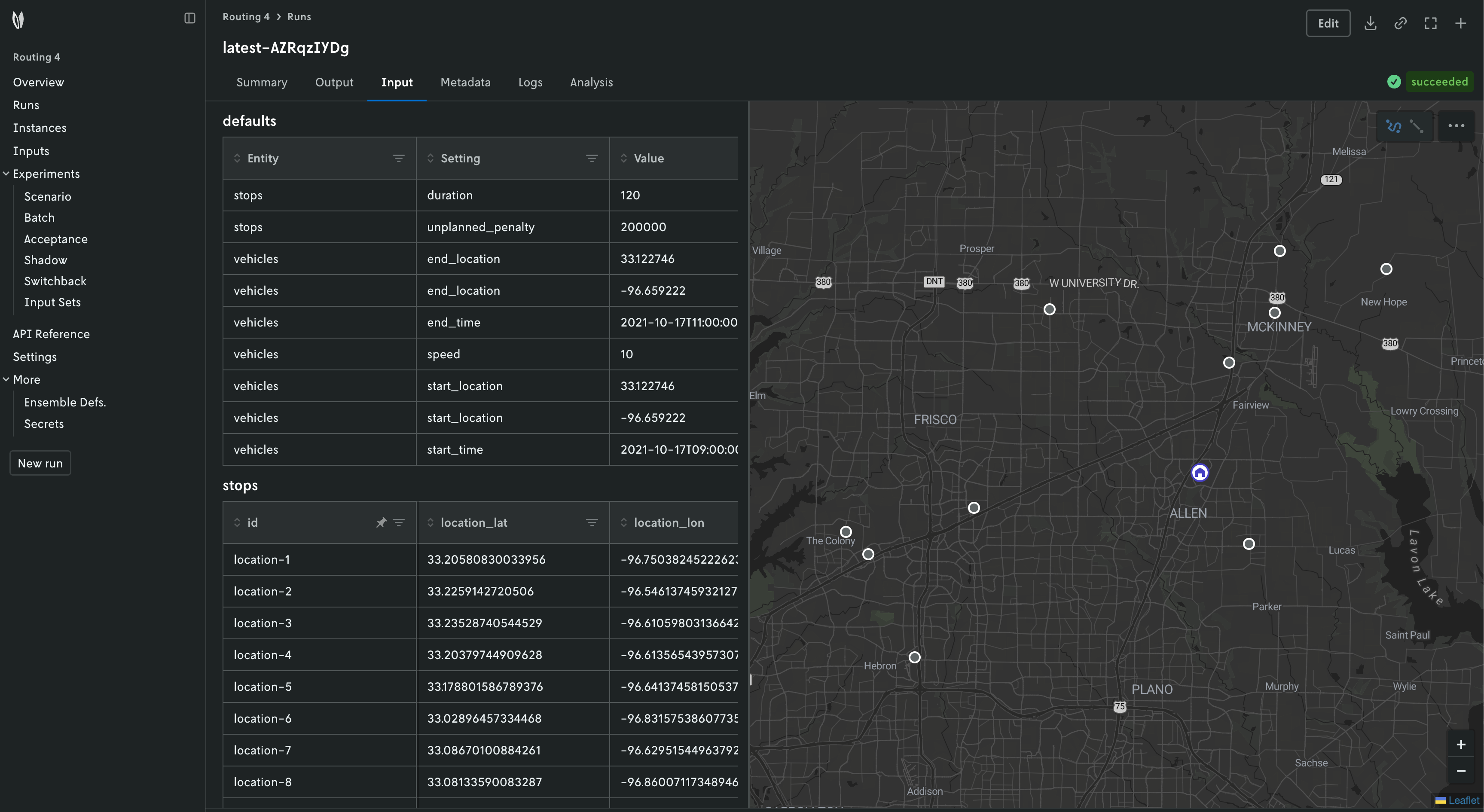
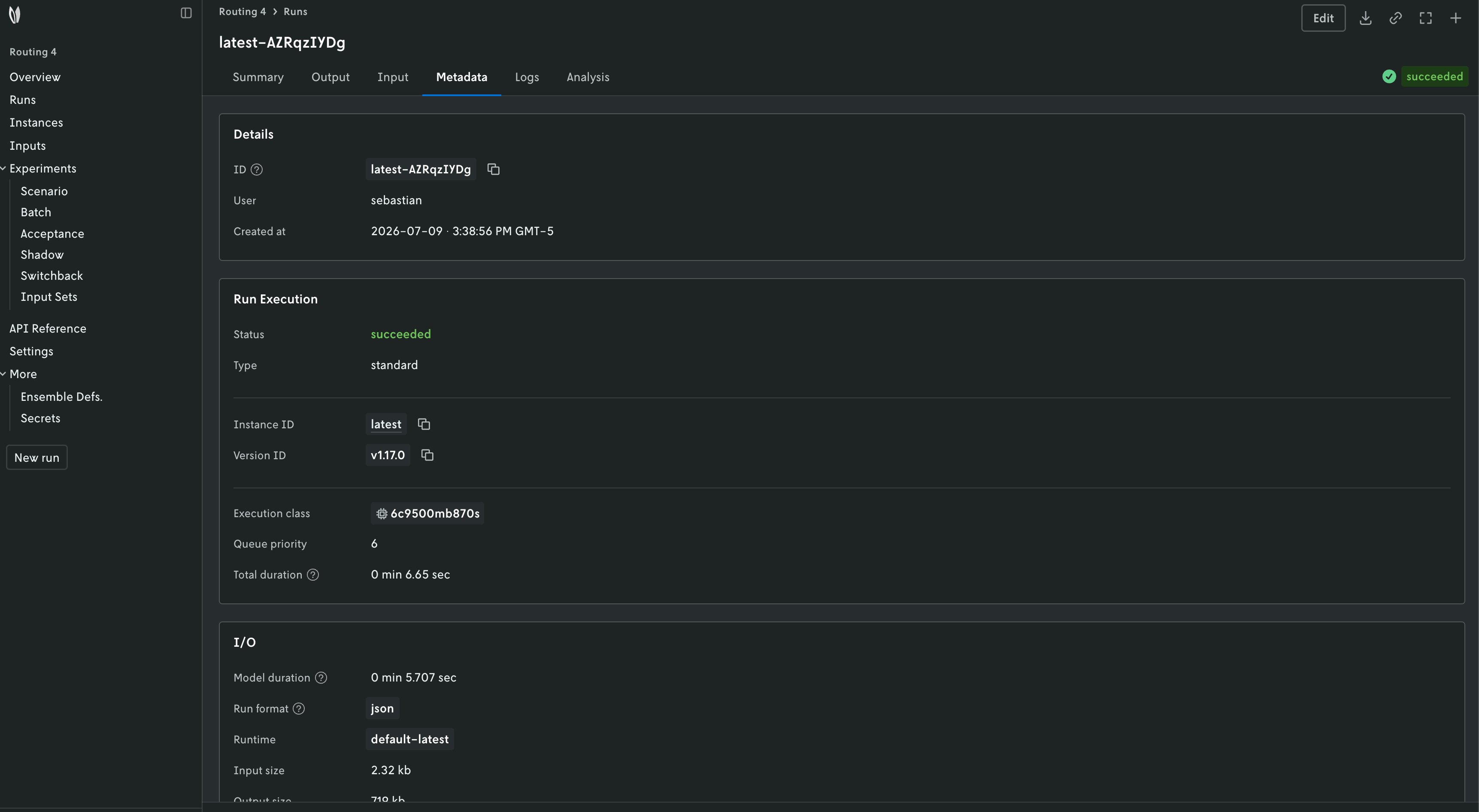
Once the run finishes, you can use the Nextmv Console to browse the information of the run:
- Summary
- Output
- Input
- Metadata
- Logs and more
Nextmv is built for collaboration, so you can invite team members to your account and share run URLs.