API keys
Info
API keys are only available for the Developer, Admin, and Owner roles.
API keys are used to access the API for Nextmv DecisionOps platform and are required for using Nextmv CLI as well.
API keys are created on a per user basis, and each API key is associated with a team. That is, when you create an API key it is accessible only by you, no one else on the team can view your API key. However, you will have a different API key for each team you are a member of.
When you create a Nextmv account, an API key is auto-generated for you in the
team you own. You can begin using this API key immediately. In the Nextmv
Console navigate to Settings > API Keys page to view your API
key. You can create up to three API keys per team (the team you own and other
teams you are a member of).
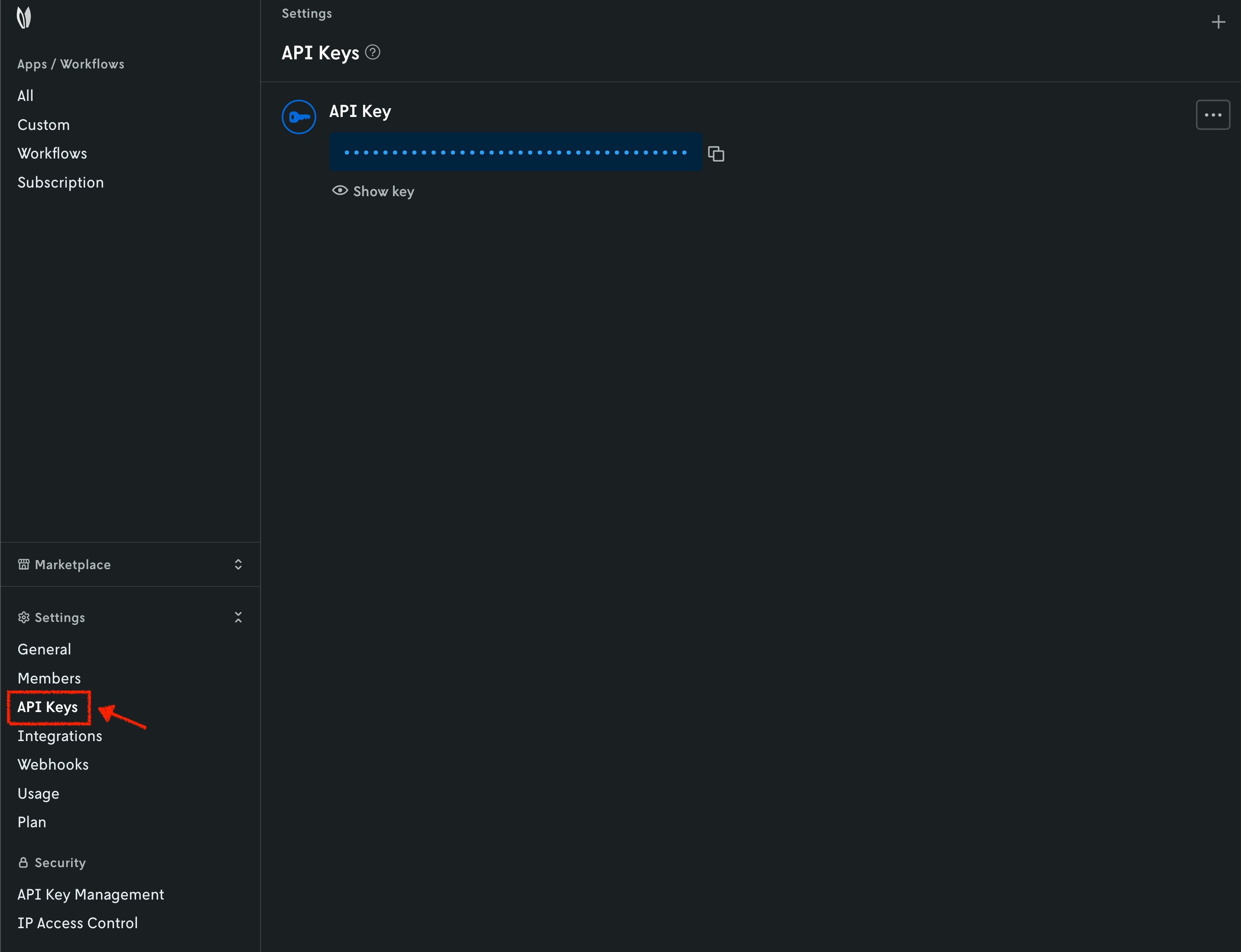
API keys can be deactivated, reactivated, and deleted at any time as well. When an API key is deactivated or deleted, that API key will cease to be operational immediately. Reactivating an API key will likewise restore team feature access immediately.
If you are invited to a team and accept the invite, an API key is not created
for you automatically like it is with your own team. You must switch to the
team’s context in Console, and then navigate to the API Keys and create a new
API key there.
Please keep API keys secret and use them only from your backend.