Managed inputs
Learn how to use managed inputs with your tool of choice.
- CLI: the Nextmv Command Line Interface (CLI).
- Python SDK: a Software Development Kit (SDK) for Python developers.
- Cloud API: an HTTP API for developers to integrate with the Nextmv platform.
Managed inputs are used to store and keep track of your inputs. They can be created either by referencing a prior run within your application, or by uploading new data. You can use managed inputs for runs as well as other features of the Nextmv Platform:
- Scenario tests: when creating a scenario test you can define scenarios using managed inputs as the data source.
- Input sets: use them to create batch experiments or scenario tests. You can define one or more managed inputs to make up the input set.
A major benefit of using an input as part of an input set is a potentially long run does not have to be completed in order to start a test (such as a scenario test) or perform manual testing via the run endpoint. Using managed inputs for individual runs may also be helpful for the purposes of reproducibility.
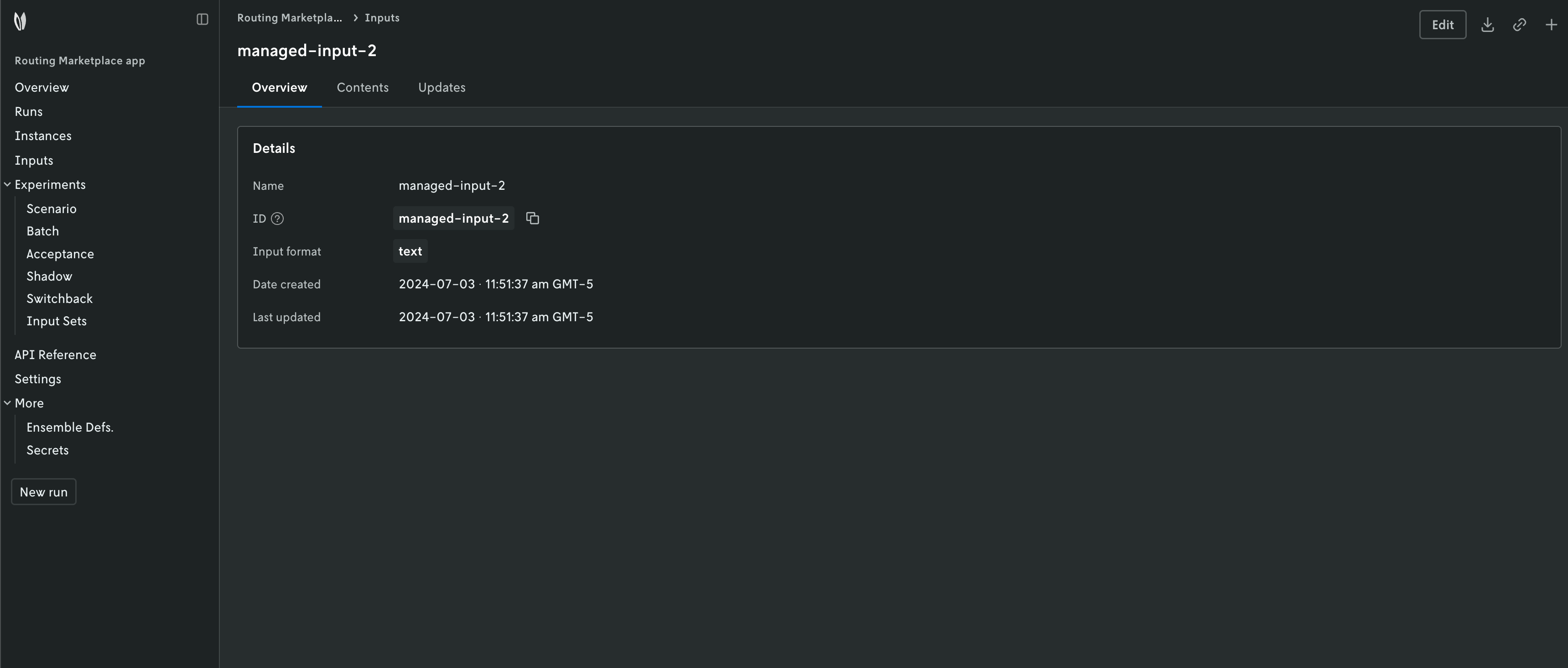
Managed inputs can be visualized in the Nextmv Console. Go
to the app, Inputs tab.